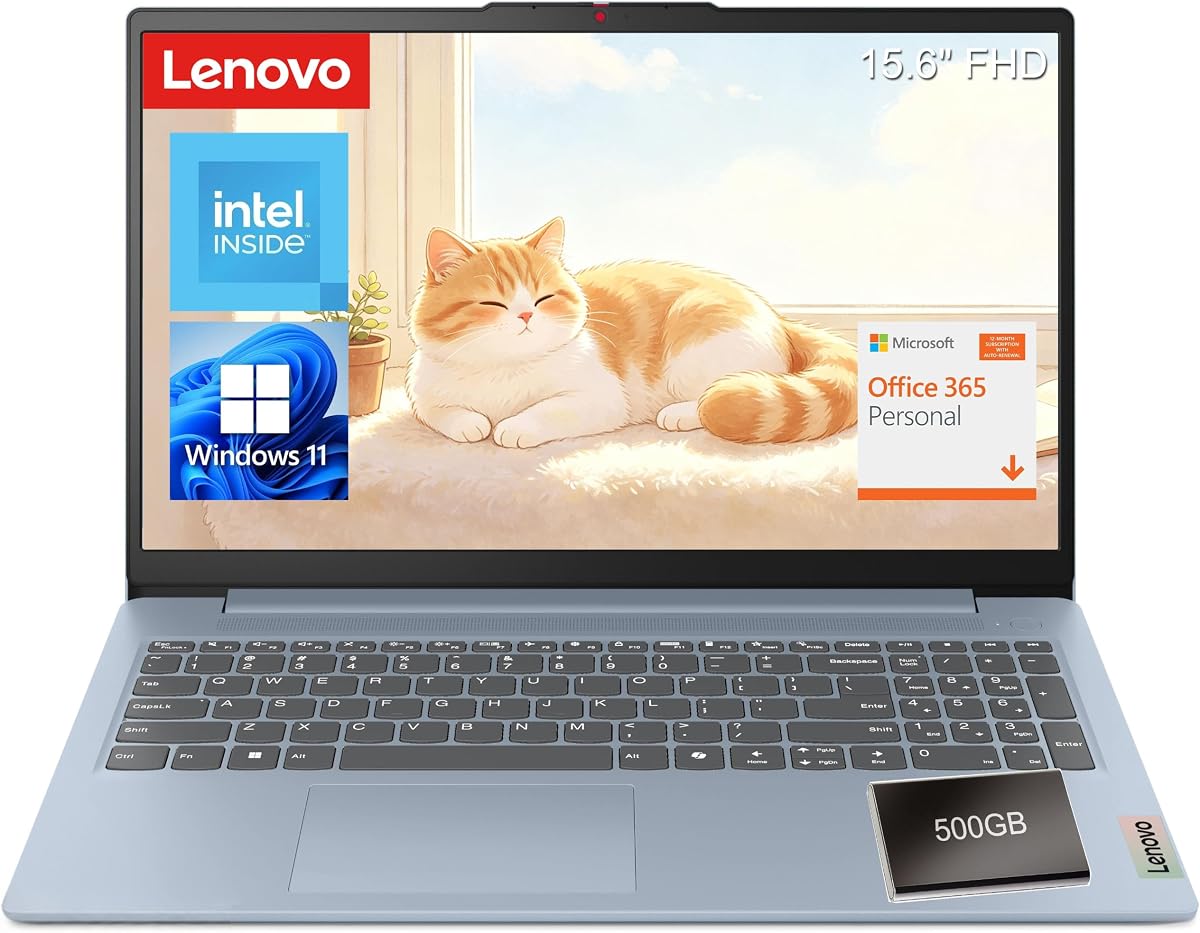
Lenovo Laptop Computer with 1-Year Office 365
4.4Editor score
Intel Processor N150
Includes Office 365
Lightweight Design
Choosing the right business laptop requires balancing performance, portability, and durability. The Lenovo Thinkpad Laptop lineup offers a wide range of options designed to meet the rigorous demands of modern professionals and enterprises.
We analyzed ten distinct models based on processor power, memory capacity, display quality, and security features. Our comparison focuses on real-world productivity needs, ensuring you find a machine that supports your workflow efficiently.
Each pick highlights specific strengths like AI capabilities or extended battery life. Note that specifications and availability can change, so always verify the latest details before making your final purchase decision.
4.4Editor score

4.4Editor score

5.0Editor score
As an Amazon Associate we earn from qualifying purchases.
The following table provides a side-by-side look at the key specifications of all ten selected models to help you quickly identify the best fit for your needs.


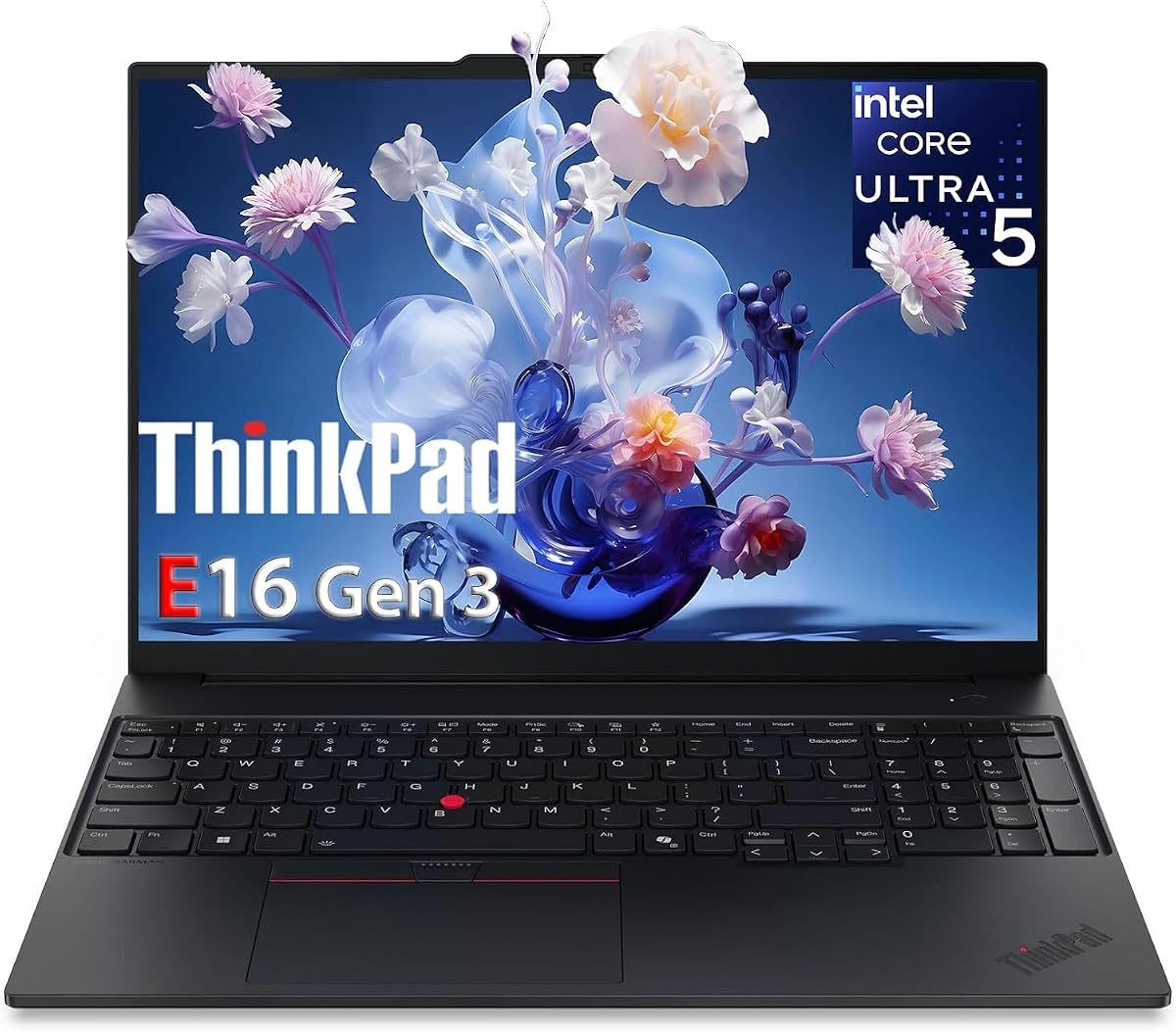


The Lenovo ThinkPad E16 stands out as a robust business laptop offering strong performance for daily tasks. With an AMD Ryzen 7 7735HS processor and 16GB of DDR5 RAM, it handles demanding applications smoothly. The inclusion of a Type-C hub adds immediate value for users needing extra ports.
We may earn a commission when you buy through this link, at no additional cost to you.
This model excels in productivity due to its generous memory and fast storage. The 16-inch WUXGA display provides a comfortable workspace for spreadsheets and documents. Its build quality adheres to ThinkPad standards, ensuring durability during travel. The Windows 11 Professional operating system supports enterprise features like BitLocker and remote desktop.
While the weight is higher than some ultrabooks, it remains manageable for business use. The non-touch screen is practical for office environments where accidental inputs are common. The privacy shutter on the webcam adds a layer of security for remote work sessions.
This laptop is ideal for professionals needing reliable performance without breaking the budget. It suits analysts and managers who juggle multiple applications simultaneously. The bundled hub ensures you can connect peripherals immediately upon setup.
The AMD 8-Core Ryzen 7 processor ensures that complex computations and data analysis run without lag.
Wi-Fi 6 and Bluetooth 5.3 provide stable wireless connections for modern office networks and peripherals.
We may earn a commission when you buy through this link, at no additional cost to you.
The E16 Gen 3 introduces next-generation AI capabilities with the Intel Ultra 5 225H processor. This model is designed for enterprise users who need advanced security and performance. The AI Boost NPU helps optimize workflows for data analysis and productivity tasks efficiently.
We may earn a commission when you buy through this link, at no additional cost to you.
Security is a primary focus with features like a fingerprint reader integrated into the power button and a TPM 2.0 chip. The display offers clear visibility with anti-glare technology suitable for various lighting conditions. Connectivity is robust with Thunderbolt 4 and WiFi 6E ensuring fast data transfer speeds.
The price reflects its advanced features and business-grade build. While it is a significant investment, the reliability and security features justify the cost for corporate environments. The backlit keyboard is a thoughtful addition for users working in dimly lit spaces.
Executives and IT professionals will appreciate the comprehensive feature set. It is well-suited for organizations prioritizing data security and modern computing standards. The inclusion of Copilot AI support enhances daily administrative tasks.
The dedicated NPU accelerates AI tasks locally, improving efficiency without relying heavily on cloud processing.
Advanced security protocols protect sensitive business data from unauthorized access and potential threats.
We may earn a commission when you buy through this link, at no additional cost to you.
The L16 combines business reliability with the versatility of a touchscreen. It features a powerful Intel Ultra 5 225U processor and an impressive 32GB of DDR5 RAM. This configuration is perfect for users who need to run multiple virtual machines or heavy software simultaneously.
We may earn a commission when you buy through this link, at no additional cost to you.
Storage is not a bottleneck with the 1TB SSD included in this package. The IPS anti-glare screen ensures comfortable viewing even at high brightness levels. Connectivity is excellent with two Thunderbolt 4 ports allowing for versatile docking options without extra adapters.
The touchscreen interface offers a modern way to interact with documents and presentations. However, it may reduce battery life compared to non-touch models. The numeric keypad is essential for professionals dealing with financial data or extensive numerical inputs.
This laptop is best for power users who need high memory and storage out of the box. It bridges the gap between standard business laptops and premium workstations. The upgrade warranty provides extra peace of mind for the custom configurations.
With 32GB of RAM, this system handles multitasking with ease, supporting heavy applications effortlessly.
The touch display enhances interaction for presentations and document reviews in meeting scenarios.
We may earn a commission when you buy through this link, at no additional cost to you.
This Lenovo laptop offers an excellent entry point for students and home users on a tight budget. The inclusion of a one-year Microsoft 365 Personal subscription adds significant value right out of the box. It handles web browsing and media streaming with ease thanks to Wi-Fi 6 connectivity.
We may earn a commission when you buy through this link, at no additional cost to you.
The Intel Processor N150 provides reliable performance for everyday computing tasks. The 8GB LPDDR5 RAM ensures smooth operation for basic applications and web tabs. The design is slim and lightweight, making it easy to carry in a backpack or bag.
Storage is limited to 128GB UFS, which may require cloud storage or external drives for large files. However, for document editing and streaming, it is sufficient. The camera privacy shutter gives users control over their digital safety during video calls.
Students and casual users will find this device meets their core needs effectively. It is an ideal choice for those who do not need high-end processing power. The included software subscription saves immediate costs compared to buying it separately.
The bundled Microsoft 365 subscription ensures you have essential productivity tools from day one.
Its lightweight build makes it easy to transport to class or work without adding much weight.
We may earn a commission when you buy through this link, at no additional cost to you.
This E16 model emphasizes security and convenience with its biometric login features. The fingerprint reader integrated into the power button streamlines the access process for busy professionals. It runs on Windows 11 Professional which offers enhanced management tools over the Home version.
We may earn a commission when you buy through this link, at no additional cost to you.
Performance is supported by the Intel Ultra 5 225H processor and 16GB of DDR5 memory. This combination ensures that daily business applications run smoothly without lag. The 512GB SSD provides enough space for essential work files and faster boot times.
The backlit keyboard is a practical feature for users who work late hours or travel often. While it lacks some high-end ports like Thunderbolt 4, it covers the basics well. The battery life is designed to last through a standard workday.
Professionals who prioritize data security will find this model appealing. It balances cost and features effectively for remote workers and entrepreneurs. The Windows 11 Pro edition supports BitLocker for added data protection.
The fingerprint reader allows for quick and secure access to your system without typing passwords.
Windows 11 Pro provides advanced features like BitLocker encryption and remote desktop connectivity.
We may earn a commission when you buy through this link, at no additional cost to you.
This specific configuration of the E16 Gen 3 offers expanded memory and storage. The 32GB of DDR5 RAM is perfect for heavy multitasking and running virtual environments. It supports connecting up to three external 4K displays for a command center setup.
We may earn a commission when you buy through this link, at no additional cost to you.
The 1TB NVMe SSD ensures you have ample space for large project files and archives. Connectivity is future-proof with Thunderbolt 4 and Wi-Fi 6E which offer superior speeds. The build quality remains consistent with ThinkPad durability standards.
The premium price reflects the increased hardware capabilities. It is an excellent choice for traders, developers, or designers needing multiple screens. The numeric keypad is included for efficient data entry tasks.
Users needing maximum productivity potential should consider this high-spec model. It serves well for roles that require extensive screen real estate and processing power. The Windows 11 Pro system supports all the necessary enterprise features.
Connect up to three external 4K monitors to maximize workspace and improve workflow efficiency.
The 1TB SSD provides plenty of room for large datasets and extensive software installations.
We may earn a commission when you buy through this link, at no additional cost to you.
The 2026 Edition focuses on portability with a slim profile and low weight. It comes bundled with a 500GB portable external hard drive to expand storage capacity. The Dolby Audio enhanced speakers deliver rich sound for media consumption and calls.
We may earn a commission when you buy through this link, at no additional cost to you.
The Intel N150 processor handles standard office tasks efficiently. The FHD display offers clear visuals for reading documents and streaming videos. Its low weight makes it an ideal companion for frequent travelers or students moving between classes.
Internal storage is limited but the external drive compensates for this drawback. The low blue light certification helps reduce eye strain during long viewing sessions. It is designed for users who prioritize mobility over raw power.
Casual users and students who need a light laptop will appreciate this model. It is suitable for browsing, writing essays, and watching media. The bundled external drive adds practical value for storing larger files.
Weighing just 3.42 lbs, this laptop is easy to carry anywhere without straining your backpack.
Dolby Audio speakers provide clear and immersive sound for movies and video conferences.
We may earn a commission when you buy through this link, at no additional cost to you.
The P14s is engineered for multi-discipline professionals requiring certified compatibility with complex software. It runs on the AMD Ryzen AI 7 PRO 450 processor which supports local AI workflows. This model is ISV validated for applications like SOLIDWORKS and AutoCAD.
We may earn a commission when you buy through this link, at no additional cost to you.
With 32GB of RAM and a 1TB SSD, it handles data-heavy tasks with ease. The display offers precise color output suitable for design and engineering projects. The use of recycled materials meets corporate ESG procurement requirements.
It is a specialized machine that justifies its cost for specific professional needs. The port selection is comprehensive reducing the need for dongles. The 5.0 rating indicates high user satisfaction with its performance.
Engineers and content creators looking for a reliable business workstation should choose this. It balances portability with the power needed for specialized tasks. The ThinkShield security suite protects sensitive project data.
Certified compatibility ensures professional software like CAD tools runs reliably without crashes.
The laptop uses recycled post-consumer materials to meet modern corporate sustainability standards.
We may earn a commission when you buy through this link, at no additional cost to you.
This renewed model offers a budget-friendly way to access business-grade features. It comes with the AMD Ryzen 5 PRO 7530U which provides robust performance for business needs. The Renewed certification ensures it has been tested and cleaned before shipping.
We may earn a commission when you buy through this link, at no additional cost to you.
It includes the classic Trackpoint for precise navigation without a mouse. The DDR4 RAM and SSD provide fast boot times and responsive performance. The Windows 11 Pro operating system supports enterprise management tools.
As a renewed item, it may show minor cosmetic wear but functions like new. The warranty terms are different from new units so check before buying. It is a cost-effective choice for small businesses or individuals.
Those seeking a reliable machine at a lower price will find this model suitable. It is perfect for users who do not need the latest generation of hardware. The AMD PRO features help maintain stability in business environments.
Certified Refurbished status ensures the device has been inspected and meets functional standards.
The classic Trackpoint offers precise cursor control for efficient typing and navigation.
We may earn a commission when you buy through this link, at no additional cost to you.
The T14s Gen 1 is a compact option for those who prefer a smaller screen. It features a 10th Gen Intel Core i5 processor which still delivers reliable speed for multitasking. The 16GB DDR4 RAM ensures smooth operation for standard business applications.
We may earn a commission when you buy through this link, at no additional cost to you.
This renewed model comes with a Windows 11 Pro installation for immediate business use. The backlit keyboard adds convenience for typing in low light conditions. The 14-inch display is portable yet sharp enough for detailed work.
While the processor is older than current models it handles everyday tasks efficiently. The battery life is decent for its age and the build quality remains solid. It is a great option for secondary devices or light users.
Users needing a portable laptop for travel will appreciate the 14-inch size. It is cost-effective for startups looking to outfit employees with Pro features. The renewed status makes it a budget conscious choice.
The 14-inch screen provides a balance between portability and screen real estate for work.
Pre-installed Windows 11 Pro offers essential security and management tools for business use.
We may earn a commission when you buy through this link, at no additional cost to you.
Selecting the right Thinkpad involves evaluating several critical factors to ensure it meets your specific work requirements and budget constraints.
The processor is the brain of your laptop determining how quickly it handles tasks. For heavy multitasking choose models with Intel Ultra or AMD Ryzen 7 processors. Lighter workloads can be managed by Intel Core i5 or Ryzen 5 options effectively.
Always match the processor tier to your typical daily applications.
RAM determines how many programs you can run simultaneously without slowdown. A minimum of 16GB is recommended for modern business software. Those using virtual machines should consider 32GB to ensure seamless performance.
Higher memory capacity future proofs your purchase for demanding tasks.
Solid State Drives offer faster boot and load times than traditional hard drives. NVMe PCIe SSDs provide the best speed for frequent file access. Ensure the drive size matches your data needs and cloud storage reliance.
Fast storage is critical for responsive workflow and quick startup.
Look for IPS panels to ensure accurate colors and wide viewing angles. Anti-glare coatings help reduce eye strain during long work sessions. A larger screen size aids productivity but may reduce portability.
Prioritize display brightness and clarity for comfortable viewing.
Verify the laptop has enough ports for your peripherals like monitors and printers. Thunderbolt 4 support is useful for high speed data transfer and docking. Wi-Fi 6E ensures stable wireless connections in busy environments.
Future proofing your connectivity needs avoids adapter clutter.
Business laptops often include fingerprint readers and privacy shutters for physical security. TPM chips are essential for encrypting data and enterprise security standards. Some models also offer facial recognition for quick and safe login.
Robust security protects sensitive information from unauthorized access.
Battery endurance is vital for professionals who work away from power outlets daily. Look for models promising all-day usage to avoid frequent charging interruptions. Quick charging features can minimize downtime during travel.
A reliable battery ensures uninterrupted productivity on the go.
ThinkPads are known for rugged designs tested against military standards. This durability ensures the laptop withstands shocks and drops during travel. Premium materials and spill-resistant keyboards extend the lifespan significantly.
Invest in a durable build to protect your investment over time.
Keep your laptop clean by using a soft microfiber cloth to wipe the screen and keyboard. Avoid harsh chemicals that might damage the anti-glare coating or the chassis finish.
Regularly update the BIOS and drivers to maintain security and system stability. Check the Lenovo Vantage software for official patches and system settings.
Ensure the device is placed on a hard flat surface to allow proper airflow. This prevents overheating during heavy usage which can extend the internal component life.
The T series is typically lighter and built with premium materials for executive use. The E series offers similar performance at a more affordable price point for small businesses. Both provide excellent keyboards but the T series has better portability.
Most modern ThinkPad models support at least two external displays via HDMI and USB-C. Some higher end models can even drive three 4K monitors for extended workspace setups. Check specific port capabilities before purchasing.
Yes many ThinkPad models feature high resolution displays and color accurate panels suitable for design. The P series is specifically optimized for CAD and 3D modeling tasks. For general creative work the T and E series are sufficient.
The fingerprint readers integrate with Windows Hello for secure biometric authentication. They use local storage for biometric data ensuring privacy is maintained on the device. This adds a strong layer of security beyond passwords.
Upgradeability depends on the specific model generation. Some newer ultrabooks have soldered RAM so you should verify specs before buying. The E and L series often allow RAM upgrades for future expansion flexibility.
Modern ThinkPad models generally offer eight to twelve hours of typical office usage. Battery life varies based on screen brightness and processor workload. Charging is usually fast enough to regain hours of power quickly.
Our top picks highlight the versatility of the ThinkPad lineup for different user needs. The E16 Gen 3 stands out for AI capabilities while the budget model offers great value for entry tasks.
Prioritize memory and security features if you handle sensitive business data regularly. Choosing the right processor tier ensures your machine remains relevant for years to come.
Prices and availability shift often so verify current stock before purchasing your next device.