
Frameo Digital Picture Frame
4.6Editor score
32GB built-in memory
10.1 inch HD touchscreen
Supports non-WiFi transmission
Finding the right digital picture frame for grandparents can transform how families stay connected. These devices allow loved ones to share photos and videos instantly without requiring complex tech skills. A good frame should be easy to set up, have a clear display, and offer simple sharing methods so seniors can enjoy memories effortlessly.
We evaluated ten leading models based on screen size, resolution, connectivity options, and user interface simplicity. Our comparison focuses on features that matter most to older adults, such as large touchscreens, automatic rotation, and reliable Wi-Fi or offline upload methods. Each product was assessed for its ability to bridge distances and keep families engaged daily.
Each pick in this guide highlights specific strengths like storage capacity, app integration, or design elegance. While prices may fluctuate over time, the core features remain consistent indicators of value. Read through our detailed reviews to find the frame that best matches your grandparents tech comfort level and home decor style.
4.6Editor score
4.7Editor score

4.7Editor score
As an Amazon Associate we earn from qualifying purchases.
This side-by-side comparison highlights the key specifications and unique selling points of each model to help you make an informed decision quickly.


This Frameo model stands out as the best overall value due to its expansive 15.6 inch screen and massive 64GB storage. It earns a solid 4.5 rating from users who appreciate the vivid IPS display and reliable sharing capabilities.
We may earn a commission when you buy through this link, at no additional cost to you.
The large screen ensures photos look crisp and clear from any angle, making it easy for seniors to see details without squinting. The built-in speaker allows videos to play with sound, adding another layer of engagement to shared memories.
While it offers robust features like auto-rotate and touchscreen controls, users should note the Wi-Fi is limited to 2.4GHz bands. Also, handling the Type-C power connector carefully is advised to avoid port damage over time.
Grandparents who want a big, clear display without spending premium prices will find this frame ideal. It balances performance and cost well, making it a top recommendation for families seeking reliability.
The 15.6 inch screen provides ample space for photos, ensuring elderly users can view images without straining their eyes.
The Frameo app keeps shared content private, allowing family members to send photos securely without exposing them publicly.
We may earn a commission when you buy through this link, at no additional cost to you.
This Frameo frame offers an excellent entry point for families on a budget. With a 4.6 rating, it proves that affordability does not mean sacrificing essential features like reliable sharing and decent storage.
We may earn a commission when you buy through this link, at no additional cost to you.
The ability to upload photos via SD card or USB makes it friendly for seniors who find Wi-Fi setup challenging. This non-WiFi option ensures photos can still be shared even if internet connectivity is an issue.
The magnetic stand allows easy switching between portrait and landscape modes, adding versatility to display options. However, the 10.1 inch screen is smaller than premium models, which might matter for those with vision challenges.
For families seeking a cost-effective solution that still delivers quality performance, this frame is a strong contender. It provides the core experience of digital sharing without the premium price tag.
Affordable pricing makes this frame accessible to many households while maintaining essential features like Wi-Fi sharing and internal storage.
Support for SD cards and USB drives offers flexibility for users who prefer offline transfer methods over app-based uploads.
We may earn a commission when you buy through this link, at no additional cost to you.
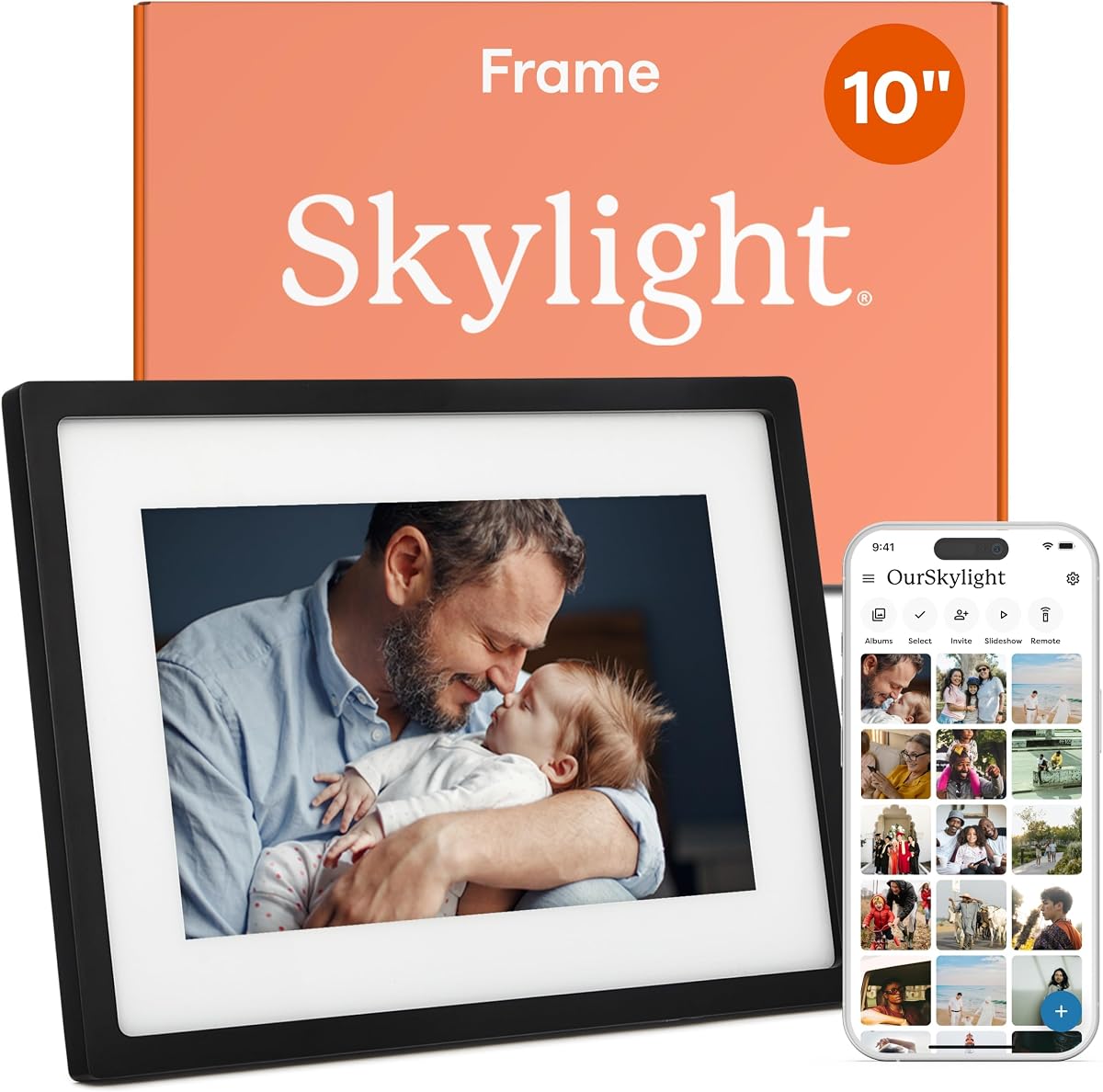
The Skylight frame is renowned for its plug-and-play simplicity, earning a 4.7 rating from users who value ease of use above all else. It eliminates technical hurdles by allowing photo sharing via email.
We may earn a commission when you buy through this link, at no additional cost to you.
Unlike other frames, this model relies on cloud storage rather than local SD cards, simplifying the backend process for grandparents. They simply receive photos in their inbox without needing to manage files manually.
The gift mode feature allows preloading content before unboxing, making it a seamless gift experience. While the price is higher, the reduction in technical friction justifies the investment for non-tech-savvy seniors.
Families who prioritize effortless setup and reliable daily updates will love this frame. It removes the learning curve associated with apps, ensuring grandparents can focus on enjoying memories.
Sending photos via email means no app downloads are required, making it accessible for seniors unfamiliar with mobile applications.
The gift mode allows preloading memories so the frame is ready to use immediately upon opening, enhancing the unboxing experience.
We may earn a commission when you buy through this link, at no additional cost to you.
Aura frames are highly regarded for their premium build and unlimited free storage. With a 4.7 rating, users praise the high-definition display and the ability to store endless photos without paying subscription fees.
We may earn a commission when you buy through this link, at no additional cost to you.
The auto-brightness feature adjusts to ambient lighting, ensuring the screen looks good at any time of day. This prevents glare in bright rooms and dimness in dark settings, enhancing visibility.
Setup requires a brief Wi-Fi connection via the app, which is generally quick but may need family assistance. Once set up, the frame operates smoothly with minimal intervention needed from the end user.
For families seeking a luxurious device with superior display quality, Aura is a top choice. The combination of aesthetics and functionality makes it a lasting gift that adds elegance to any home.
Unlike competitors, this frame offers unlimited cloud storage at no extra cost, allowing families to share photos indefinitely.
Sensors detect room lighting to adjust screen brightness automatically, reducing eye strain and improving visibility in any environment.
We may earn a commission when you buy through this link, at no additional cost to you.
This Frameo variant offers a large 15.6 inch screen similar to the top pick but at a competitive price point. It scores a 4.5 rating for its vivid display and reliable Wi-Fi connectivity.
We may earn a commission when you buy through this link, at no additional cost to you.
The React feature allows recipients to send emojis back to senders, fostering two-way communication without needing phones. This interactive element adds warmth and engagement to photo sharing.
Non-WiFi USB upload ensures flexibility if internet connection fails, but the app remains the primary method for remote sharing. Users should ensure their devices are on compatible 2.4GHz networks for best results.
Grandparents who value large screens and interactive features will appreciate this model. It balances size and affordability while offering the familiar Frameo ecosystem for family sharing.
The React feature enables users to respond with emojis directly from the frame, creating a more interactive sharing experience.
A 15.6 inch Full HD display ensures detailed images and vibrant colors, making it easy to enjoy memories from across the room.
We may earn a commission when you buy through this link, at no additional cost to you.
AEEZO distinguishes itself with smart sensors that adjust orientation and brightness automatically. Rated 4.6 by users, it offers a polished experience that adapts to its environment without manual input.
We may earn a commission when you buy through this link, at no additional cost to you.
The gravity sensor ensures photos always display correctly whether the frame is in landscape or portrait mode. This prevents users from manually rotating images when repositioning the frame.
While photos must be imported from SD cards rather than played directly, this ensures smoother playback and faster loading. The touchscreen makes navigating albums intuitive for seniors comfortable with touch interfaces.
Families wanting automated convenience without premium costs should consider this frame. Its smart features reduce daily maintenance, allowing seniors to focus on enjoying their shared memories.
Built-in sensors detect physical orientation to auto-adjust image rotation, simplifying display management for users.
Ambient light sensors adjust screen brightness to ensure clear visibility and reduce glare in various room conditions.
We may earn a commission when you buy through this link, at no additional cost to you.
This model combines standard Frameo functionality with useful organizational tools like calendar syncing. With a 4.6 rating, it appeals to families who want practical features alongside photo display.
We may earn a commission when you buy through this link, at no additional cost to you.
The calendar sync displays daily events alongside photos, helping seniors stay organized while enjoying memories. This dual function adds utility beyond simple slideshow viewing.
Collage mode allows displaying multiple photos at once, which can be refreshing compared to single-image slides. However, video limits remain at 15 seconds for app uploads, restricting longer clips.
For households wanting added utility like schedule viewing, this frame is a smart pick. It balances traditional sharing with modern organizational tools for a more connected experience.
Integrated calendar sync keeps daily schedules visible on the frame, adding a functional layer to the display.
Multiple photos can be displayed simultaneously in collage mode, offering a dynamic way to showcase memories.
We may earn a commission when you buy through this link, at no additional cost to you.
With a 4.7 rating, this Frameo frame offers another excellent large-screen option with reliable performance. Users appreciate the 15.6 inch display and the ability to store thousands of photos.
We may earn a commission when you buy through this link, at no additional cost to you.
Sleep mode helps conserve energy when the frame is not in use, which is practical for daily household usage. USB-C transfer ensures easy local backup without depending solely on internet connectivity.
While it shares many features with other Frameo models, the large size makes it particularly appealing for living rooms. It ensures photos are visible even when viewed from a distance across the room.
Families needing a big screen at a reasonable price will find this ideal. It offers premium visuals without premium costs, making high-quality digital framing accessible.
Sleep mode automatically turns off the display when not in use, saving power and extending device lifespan.
USB-C cable support allows direct file transfer from computers, simplifying local updates without needing apps.
We may earn a commission when you buy through this link, at no additional cost to you.
This product listing currently shows N/A for most details, indicating it may be temporarily out of stock or newly listed. Users should verify availability before making a decision.
We may earn a commission when you buy through this link, at no additional cost to you.
As Amazon listings update frequently, checking the product page directly is recommended for the latest info. Keep an eye on pricing and availability for potential future recommendations.
Since details are pending, we cannot assess its suitability for grandparents yet. It is included in the comparison for completeness but requires further review.
Buyers should prioritize models with verified specs and stable availability to avoid delays. Checking seller ratings and return policies is essential for online purchases.
Verify current stock status on the retailer's website before attempting to purchase this product.
Ensure all technical specifications are listed before buying to confirm suitability for your needs.
We may earn a commission when you buy through this link, at no additional cost to you.
Similar to the previous entry, this frame lacks current technical details in the database. It may be a new product or a listing undergoing updates.
We may earn a commission when you buy through this link, at no additional cost to you.
Monitoring this listing can be beneficial if you prefer a specific brand or model not currently detailed in this guide. However, verified products are safer bets for immediate needs.
For now, we recommend focusing on the other nine models with confirmed specs and user reviews. They provide reliable options that can meet grandparents needs right away.
Always check the latest reviews on Amazon before buying to ensure the product meets current quality standards. Avoid older listings without recent feedback to reduce risk.
Check back periodically for updated specifications and availability information on this product.
Choose products with confirmed reviews and specs to ensure reliability and satisfaction with your purchase.
We may earn a commission when you buy through this link, at no additional cost to you.
Selecting the right digital picture frame involves balancing ease of use with technical features. Below are key factors to consider before purchasing.
Larger screens like 15.6 inches make photos easier to see without glasses or strain. Full HD resolution ensures sharpness and clarity. For grandparents with vision issues, prioritize larger sizes.
Choose at least 10 inches with high definition for best results.
Look for plug-and-play models that require minimal configuration. Preloaded gift modes and email sharing simplify the process. Avoid complex app downloads if the senior is tech-averse.
Simpler setup means faster enjoyment of shared memories.
Wi-Fi is standard, but offline uploads via SD cards or USB drives are valuable backups. Ensure 2.4GHz compatibility. Flexibility prevents frustration if internet access fails.
Multiple upload methods guarantee photos can always be shared.
Internal storage like 32GB or 64GB holds thousands of photos. Cloud storage is often better for unlimited uploads. Check if additional fees apply for cloud services.
More storage means fewer deleted photos and more memories kept.
Touchscreens are intuitive for modern users, but physical buttons help those unaccustomed to touch. Consider their tech comfort level. Hybrid controls offer the best of both worlds.
Choose controls that match their existing habits.
Most frames use AC power, so placement near outlets is key. Some have battery backups for portability. Ensure stable power supply to avoid disruptions.
Consistent power ensures the frame remains visible daily.
Frames should fit home decor. Wall mounts or stands should be included. Ensure lightweight design to avoid hazards. Elegant finishes enhance room aesthetics.
Aesthetically pleasing frames encourage display in common areas.
Warranty and support access are vital for technical issues. Look for brands offering responsive service. Troubleshooting guides should be clear.
Good support minimizes downtime if issues arise.
Start by plugging the frame into a power outlet and connecting to Wi-Fi using the provided app or email settings. Follow the on-screen prompts to complete the setup process.
Regularly clean the screen with a microfiber cloth to remove dust and smudges. Avoid harsh chemicals that might damage the display surface.
Check software updates periodically to ensure security and performance improvements remain current. Restart the frame occasionally to clear memory and maintain smooth operation.
Most frames like Aura offer free unlimited cloud storage without subscriptions. Some brands may charge for premium cloud features. Always check the specific product details before purchasing to confirm any hidden costs.
Yes, most frames support receiving photos from iOS and Android devices via dedicated apps. Emails are also accepted on models like Skylight. Family members can share from phones or computers easily.
If Wi-Fi fails, photos stored locally still display. Some frames allow offline uploads via SD cards or USB drives. This ensures memories remain accessible even without internet connectivity.
Many frames designed for seniors feature simple interfaces and minimal setup steps. Models with email sharing or plug-and-play capabilities reduce complexity. Look for large touchscreens and clear instructions.
Yes, most models support short MP4 video clips via upload apps or SD cards. Video length is often limited to 15 seconds to save bandwidth. Longer videos can be stored on external drives.
Internal storage ranges from 32GB to 64GB depending on the model. Cloud storage options vary; some offer unlimited storage free while others may require payment. Verify specs based on expected photo volume.
Our top picks cover various budgets and needs, from the premium Skylight to the budget-friendly Frameo models. Each option delivers reliable sharing and clear displays essential for seniors.
Prioritize ease of use and connectivity options that match your grandparents habits. A simple setup ensures they enjoy the gift without frustration.
Prices fluctuate over time so check current deals before buying. Regularly revisit this guide for updated recommendations as new models enter the market.