
HP 14" HD Chromebook Laptop
4.4Editor score
Intel Quad-Core Processor
14 Hour Battery Life
Multiple USB Ports
Choosing a budget laptop can feel overwhelming with so many options available today. A good cheap Chromebook offers reliable performance for schoolwork, browsing, and streaming without breaking the bank. Look for solid processors, enough storage, and a clear display to ensure satisfaction.
We have analyzed ten top models based on real user feedback, technical specs, and value for money. Our list covers various screen sizes and configurations to suit different needs. Each pick highlights key strengths and potential trade-offs so you know exactly what to expect before buying.
Every selection below includes details on performance, build quality, and unique features like touchscreens or long battery life. Remember that prices and availability can change quickly online. Check the latest deals and verify specifications on the product pages to make the best decision for your situation.
4.4Editor score

4.3Editor score

4.2Editor score
As an Amazon Associate we earn from qualifying purchases.
Here is a side by side look at all ten models to help you see the differences quickly.



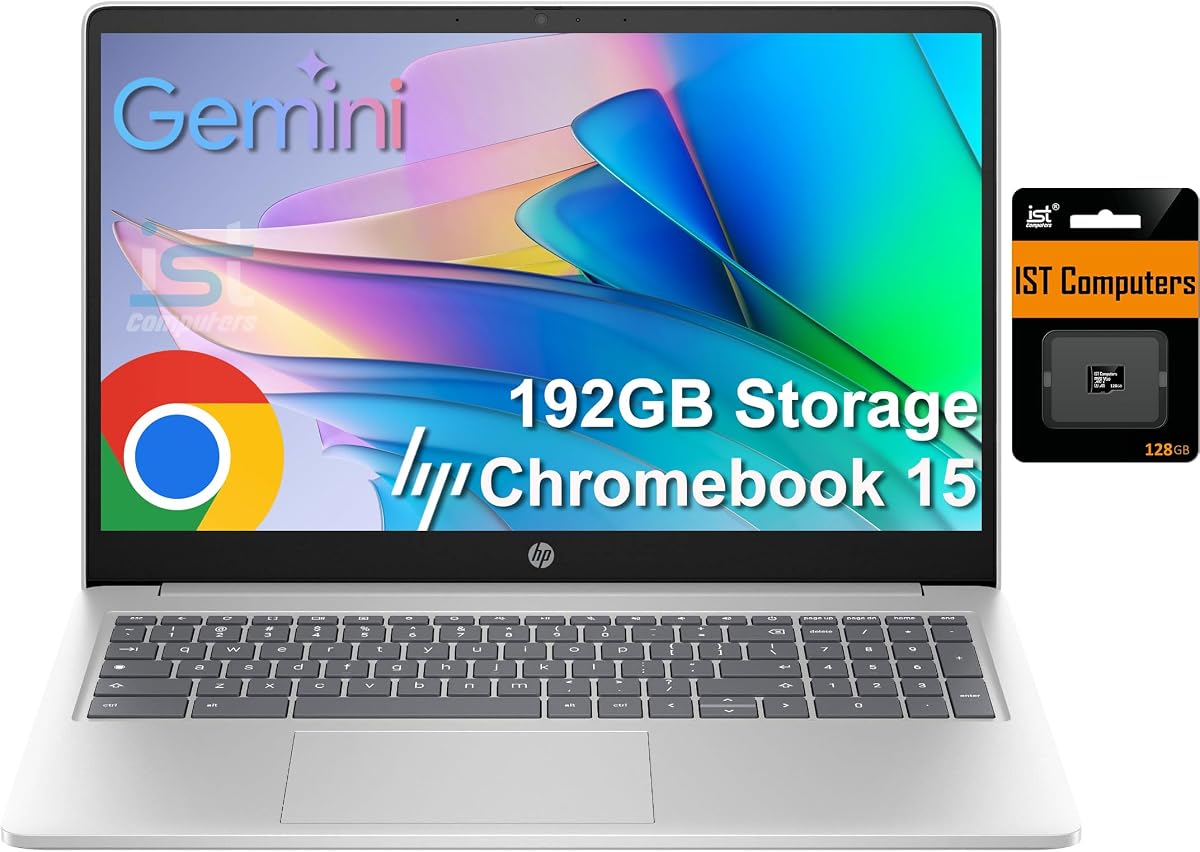


This HP 14 inch Chromebook stands out as a top choice for budget shoppers. With a 4.4 rating, it delivers reliable performance for everyday tasks. The quad core processor handles multitasking well without slowing down.
We may earn a commission when you buy through this link, at no additional cost to you.
Its Intel N4120 processor provides enough power for browsing and streaming. The 14 inch display offers a comfortable workspace for typing and reading. Users appreciate the 14 hour battery life which lasts through a full day of classes or work.
While the screen is HD rather than Full HD, the anti glare coating helps in bright rooms. The 64GB storage is adequate for cloud files and light downloads. USB ports include both type A and C for flexible connectivity.
Anyone looking for a no fuss laptop for school or home use should consider this model. It balances cost and function effectively. Check the current listing to confirm details before you buy.
The 14 hour battery means you can go from morning to night without hunting for an outlet. It is perfect for students on the go or remote workers.
With USB type A and C ports plus HDMI you can connect to monitors or drive without needing extra adapters. This saves money and hassle.
We may earn a commission when you buy through this link, at no additional cost to you.
The HP Chromebook 14 is a favorite for its quick charging tech. A 4.3 rating shows users like its reliability. It is built for daily use at home or school. The processor keeps things smooth for basic apps.
We may earn a commission when you buy through this link, at no additional cost to you.
HP Fast Charge lets you add 50 percent power in under an hour. This is huge when you rush out the door. The micro edge screen reduces bezels for a modern look. The thin design fits easily in a backpack.
Audio is tuned by experts so movies sound clear without external speakers. It runs Chrome OS which is secure and simple. The keyboard feels comfortable for long typing sessions. It is a strong pick for students.
If you need a laptop that gets up fast and lasts long this is it. The balance of features makes it a top choice. Always check the latest specs on the product page.
When battery is low the fast charge gets you back to work quickly. This feature is rare at this price point and adds real value.
The stereo speakers provide clear sound for videos and calls. Combined with the anti glare screen it creates a pleasant viewing experience.
We may earn a commission when you buy through this link, at no additional cost to you.
This Lenovo model brings higher end specs at a fair price. It has a 4.2 rating and is great for touch users. The 8 core processor is faster than typical budget chips. It handles video calls well.
We may earn a commission when you buy through this link, at no additional cost to you.
The 14 inch Full HD screen is crisp and bright. Touch input works smoothly for navigation. WiFi 6 gives faster internet speeds in crowded areas. The webcam has a privacy shutter for safety. It feels sturdy and well built.
You get more power here for multitasking. The battery life is strong for a fast device. The design is sleek and light to carry around. It is ideal for those who want a better experience.
If you can spend a bit more this Chromebook offers great perks. The screen and speed make it stand out. Verify the current deal before ordering to save.
A touchscreen lets you interact naturally with apps and web pages. It makes browsing and drawing more intuitive than just a trackpad.
WiFi 6 provides faster and more stable connections. This helps with streaming and video calls without lag even when many devices are online.
We may earn a commission when you buy through this link, at no additional cost to you.
The Dell Chromebook 11 offers a unique flexible design. It comes as a renewed product for lower cost. The 2 in 1 form allows it to fold flat. This is useful for reading or drawing.
We may earn a commission when you buy through this link, at no additional cost to you.
The touchscreen adds interaction options. The screen is smaller but still clear for tasks. It is very light and easy to carry. Great for travel or small spaces. The Intel processor handles basic apps well.
Storage is limited at 32GB but works with cloud storage. It is durable for daily use by students. The battery life is reasonable for the size. It is a strong choice for portable needs.
Buy this if you want flexibility in a cheap package. The 2 in 1 feature is rare at this level. Always test the touch functions when it arrives.
The ability to flip the screen back makes it easy to use as a tablet. This is great for presentations or consuming content in different ways.
Buying renewed means you save money while getting a tested device. It is a smart way to get quality without the new price tag.
We may earn a commission when you buy through this link, at no additional cost to you.
This Acer model gives a large screen for the price. It includes a value pack with accessories. The 15.6 inch display offers more space for windows. It is great for split screen work.
We may earn a commission when you buy through this link, at no additional cost to you.
The bundle adds a wireless mouse and HDMI cable. This saves buying extra items later. The processor handles typical tasks without issue. The battery lasts long enough for school days. The build is thin for its size.
It has anti glare coating for bright environments. The camera is decent for video calls. Setup is easy with Chrome OS. It is a practical option for home use.
Consider this if you want extra gear included. The large screen is a plus for productivity. Check the bundle contents on the listing page.
Getting a wireless mouse and cable with the laptop means less to buy. It makes the package complete and ready to use right out of the box.
The 15.6 inch screen lets you see more content at once. It helps with multitasking and makes text easier to read without strain.
We may earn a commission when you buy through this link, at no additional cost to you.
This ASUS Chromebook offers a big storage capacity. It is a renewed unit which lowers the price. The 15 inch FHD IPS screen looks sharp. It provides good viewing angles and color.
We may earn a commission when you buy through this link, at no additional cost to you.
The processor can boost up to 2.8GHz for speed. You get double the storage of many competitors. This helps with downloads and media files. The battery life is sufficient for daily use. The design is sleek and modern.
It connects fast with super fast WiFi. HDMI port lets you use external displays easily. The pastel blue color adds a nice touch. It is a solid choice for media needs.
Pick this if storage and screen quality matter. The renewed label means value for your money. Inspect it upon arrival to ensure it meets standards.
With 128GB of space you can store more files locally. This is helpful when you have limited cloud access or prefer offline storage.
IPS technology gives better color and viewing angles than standard panels. This makes watching videos and editing photos more enjoyable.
We may earn a commission when you buy through this link, at no additional cost to you.
This older model still holds strong with users. It has a 4.5 rating which shows trust. It is simple and effective for basic needs. The design is clean and professional looking.
We may earn a commission when you buy through this link, at no additional cost to you.
The backlit keyboard helps in low light. Speakers tuned by B&O sound better than usual. It boots up quickly for Chrome OS tasks. The battery lasts well for reading and email. It is light and easy to carry.
The screen is standard HD but sufficient for browsing. Storage is small so plan for cloud apps. It is durable for students or seniors. The build is environmentally conscious.
Choose this for simplicity and reliability. It is a safe bet for everyday tasks. Verify the listing for any current updates.
The B and O tuned speakers deliver clear sound. This improves the experience of watching videos or taking calls.
The backlit keyboard helps you type in dim rooms. It is a small feature that adds comfort for late night use.
We may earn a commission when you buy through this link, at no additional cost to you.
This model stands out with more RAM and storage. The 8GB DDR5 memory helps with many tabs. It boots up quickly and runs smoothly. The storage allows for more local files.
We may earn a commission when you buy through this link, at no additional cost to you.
It has a full numeric keypad for data work. The screen is large for viewing details. Connectivity includes USB C with power delivery. It is suitable for work or school projects. The design is robust.
It supports 4K external monitors easily. The webcam has a privacy shutter. It is a step up in specs. The price reflects the extra power.
Buy this if you need more performance. The RAM and storage are key advantages. Check the warranty details before purchasing.
More RAM lets you keep more apps open without lag. This is great for research or heavy browsing sessions.
The expanded storage means you do not rely on the internet as much. It gives you freedom to store files locally.
We may earn a commission when you buy through this link, at no additional cost to you.
This Acer model comes in a distinct color. It is renewed to keep costs down. The DDR5 RAM is a modern feature. It helps with responsiveness in daily use.
We may earn a commission when you buy through this link, at no additional cost to you.
WiFi 6 provides reliable internet speeds. The screen is full HD and bright. It is light enough for carrying to class. The processor handles web tasks well. The style stands out from others.
It is a good choice for media users. The battery life fits a school schedule. Check the condition description when ordering. It offers good value with upgrades.
Consider this for a fresh look at a low cost. The color and RAM are highlights. Verify the seller rating before buying.
DDR5 RAM is faster than older types and adds performance. It helps the system feel snappier for basic tasks.
WiFi 6 is the latest wireless standard and reduces lag. It ensures smooth connections even in busy homes.
We may earn a commission when you buy through this link, at no additional cost to you.
This Lenovo Chromebook is the most affordable on the list. It is renewed for budget buyers. The build is sturdy for rough use. It fits well in small hands.
We may earn a commission when you buy through this link, at no additional cost to you.
The processor handles basic web work. Storage is tiny so use cloud heavily. The screen is small but clear for reading. It is very light to carry around. Good for young learners.
It boots fast with Chrome OS. The keyboard is simple. It works well in classrooms. The design focuses on function. It is a solid entry level tool.
Choose this for extreme budget needs. It meets basics without extra cost. Check the storage options carefully.
This model is one of the cheapest options available. It is perfect when money is the main priority and basic use is all that is needed.
The small size makes it easy to fit in bags. It is ideal for young students or travelers who want minimal bulk.
We may earn a commission when you buy through this link, at no additional cost to you.
Selecting a budget laptop requires looking at key specs to avoid buyer's remorse. Here are factors to consider.
The processor is the brain of your laptop. Budget models often use Intel Celeron or MediaTek chips. Look for at least quad core for smooth performance.
A faster chip means less lag when switching apps.
RAM determines how many apps you can keep open. Most cheap Chromebooks have 4GB which is enough for basics. If you plan to have many tabs open consider 8GB.
More RAM helps multitasking flow better.
Screen size affects comfort and portability. 11 inch to 14 inch is portable. 15 inch offers more space for work. Choose based on where you will use it.
A 13 inch screen is a common sweet spot.
Storage space on these devices is often limited to eMMC. Many have 32GB to 64GB. Since Chrome OS is cloud focused this is often enough. Check if it supports SD cards for expansion.
Cloud storage is a great complement to local space.
Battery life is critical for mobility. Good models last 10 hours or more. This allows all day use without a charger. Check specs for mixed usage estimates.
Long battery gives you freedom from outlets.
Displays range from HD to Full HD. Full HD gives sharper images and text. IPS panels have better viewing angles. Anti glare coatings help in bright rooms.
IPS screens offer a better visual experience.
Ports connect your devices. USB C is standard on newer units. HDMI helps connect to TVs. Check for USB A for older flash drives.
Having both types adds flexibility.
Cheap units can still be durable. Look for sturdy hinges and plastic shells. Some have military grade testing. This matters if you carry it daily.
Solid build ensures the laptop lasts longer.
Set up your device by logging into your Google account. Install apps from the Play Store to extend its functions. Keep the system updated for security.
Clean the screen with a soft cloth to avoid scratches. Avoid spills by not drinking near the keyboard. Keep vents free of dust to prevent overheating.
Store the charger safely to avoid damage. Use a case or sleeve when in your bag. Restart the laptop weekly to clear temporary files.
Yes most are perfect for schoolwork. They handle word processing research and video calls well. The secure OS keeps you safe.
You can play light web games and Android apps. Avoid heavy PC games. Chrome OS supports many casual titles via the Play Store.
They can last 3 to 5 years with care. Chrome OS gets updates for several years. Hardware durability varies by model.
Yes you can edit docs and view files offline. Sync when connected for cloud access. Apps have offline modes to stay productive.
For Chrome OS cloud storage it usually is. You can add an SD card if needed. Most files live online anyway.
Most cheap models have soldered RAM so no. Check specs before buying if upgrades are needed. Plan for the final capacity.
We reviewed ten top models to cover different needs and budgets. The HP 14 inch Chromebook offers great value for most. The Lenovo Flagship brings premium features at a lower cost.
Prioritize battery life and screen quality for daily use. Look for at least 4GB RAM and a modern processor. Storage should suit your offline needs.
Prices change often so check current listings before you buy. Verify the specs to ensure it fits your needs. A budget Chromebook can serve you well for years.