
HP 14 inch Laptop 2027 Edition
4.5Editor score
Intel N150 Processor
Anti Glare Display Coating
Lightweight Portable Design
Finding a laptop with an anti glare screen is essential for anyone who spends long hours working or studying. These displays reduce reflections and eye strain, making them ideal for bright environments. Choosing the right model ensures comfort and productivity throughout your day without compromising on performance.
We have carefully compared ten top-rated laptops featuring anti glare technology. Our analysis focuses on display quality, processing power, battery life, and overall value. Each product was selected based on user feedback and technical specifications to help you make an informed decision for your specific needs.
Each pick in this list highlights key strengths and potential trade-offs. You will find detailed reviews covering performance, portability, and features that matter most. Remember that prices and availability can change, so check the latest offers before making your final purchase decision today.
4.5Editor score
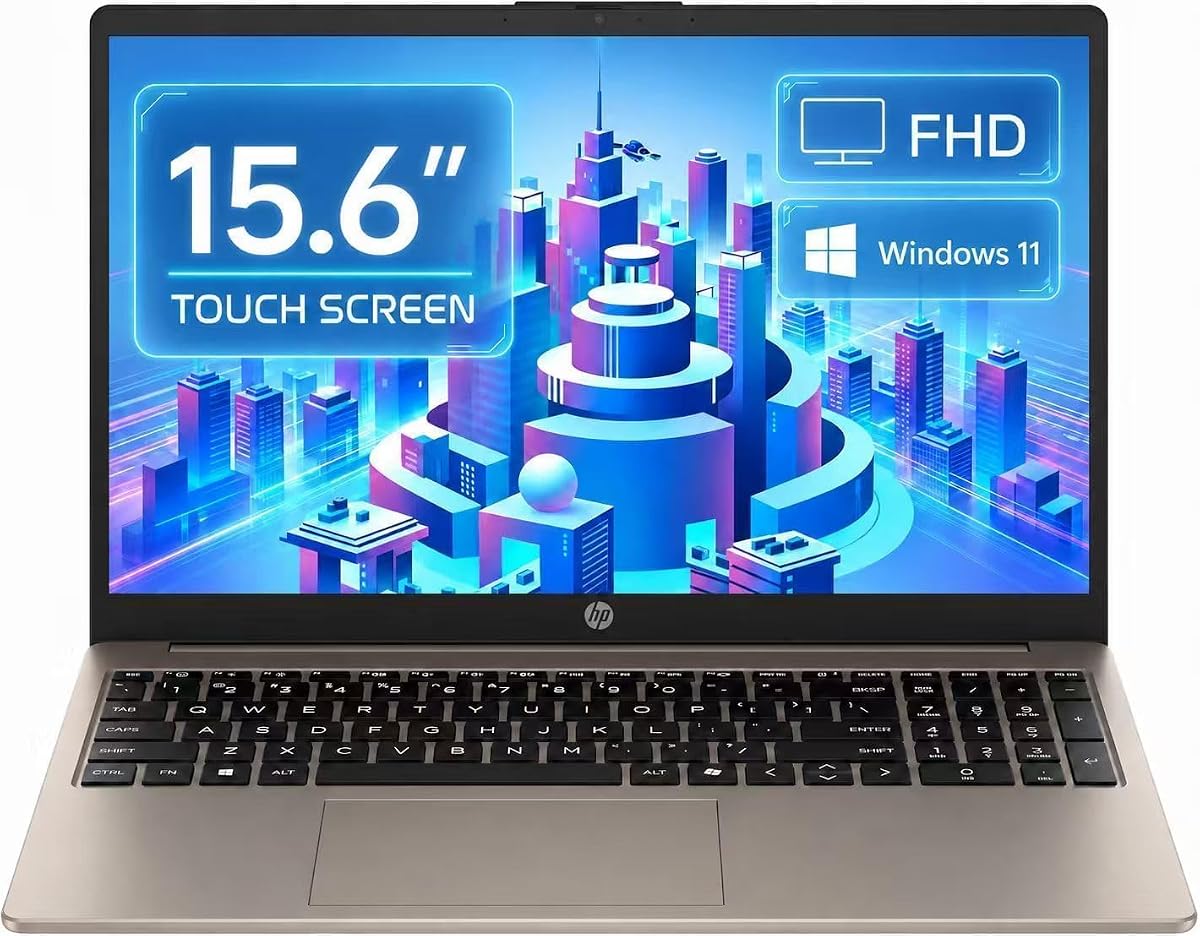
4.1Editor score

4.4Editor score
As an Amazon Associate we earn from qualifying purchases.
This side-by-side comparison highlights the key specifications of each laptop to help you choose quickly. We focus on processor type, memory, storage, and display features that define the user experience.


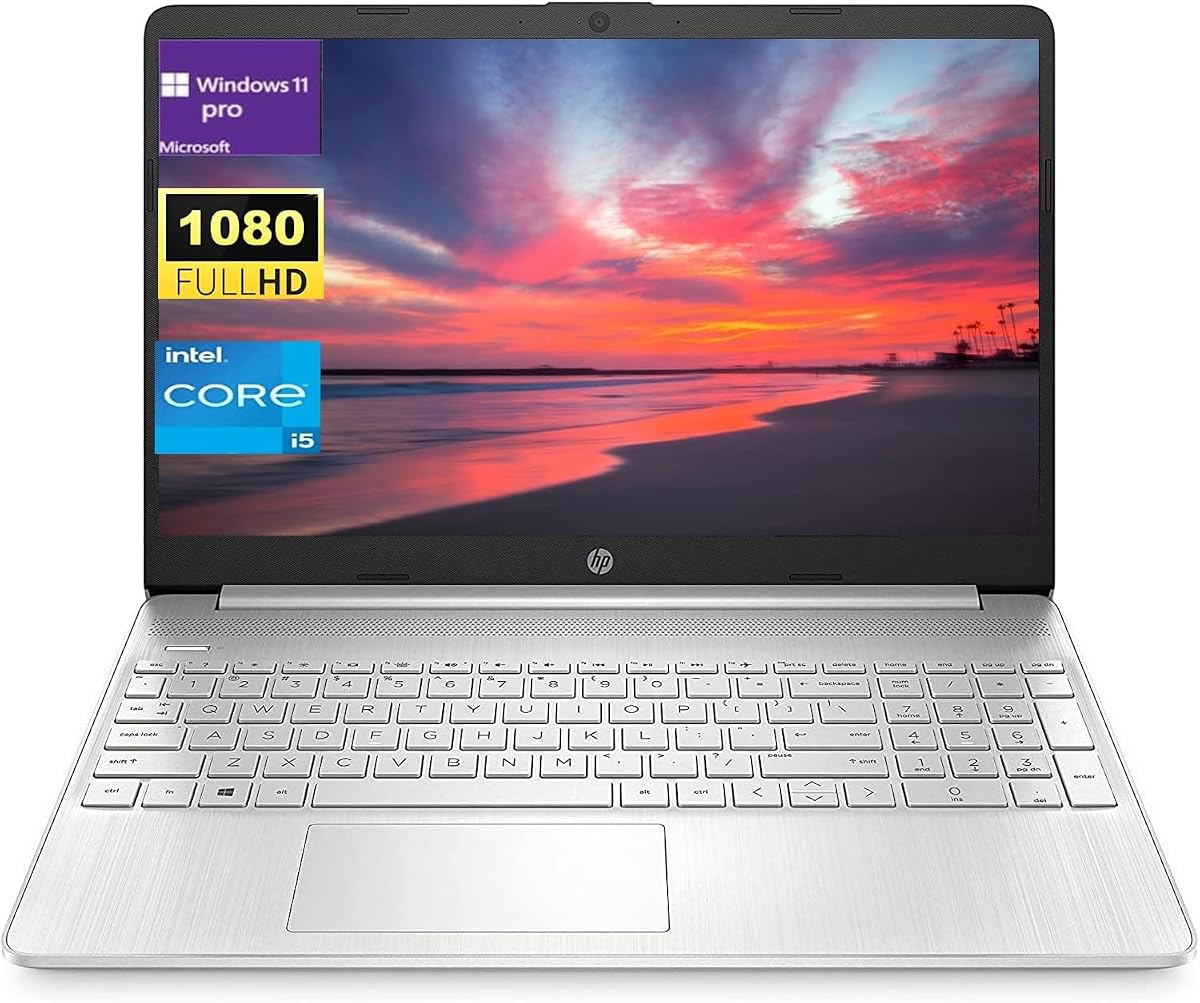


This HP Pavilion offers a versatile computing experience with its 15.6 inch anti-glare touchscreen. With a solid rating from users, it stands out for its high memory and storage capacity. The display reduces reflections while maintaining vibrant colors for media consumption.
We may earn a commission when you buy through this link, at no additional cost to you.
The Intel processor reaches speeds up to 3.8GHz allowing smooth multitasking across multiple apps. The 16GB RAM ensures you can run heavy software without slowing down. Storage is plentiful with a 1TB SSD providing fast access to all your files.
While the touchscreen adds convenience it may drain battery slightly faster than non touch models. The screen can also attract fingerprints requiring regular cleaning to maintain clarity. These are minor trade-offs given the overall performance and display quality.
Ideal for students and professionals needing a balance of portability and power. This laptop handles everyday tasks with ease and supports creative work. It is a strong recommendation for anyone seeking a reliable machine with a clear anti-glare display.
The IPS technology ensures wide viewing angles while the anti-glare coating minimizes distractions in bright rooms.
With up to 11 hours of battery life you can work through classes or meetings without hunting for an outlet.
We may earn a commission when you buy through this link, at no additional cost to you.
This compact laptop delivers excellent value for budget-conscious buyers. It features a clear anti-glare display perfect for reading and writing. The Intel N150 processor handles basic tasks efficiently making it suitable for online learning and office work.
We may earn a commission when you buy through this link, at no additional cost to you.
Its lightweight chassis makes it easy to carry between home and school. The anti-glare coating ensures comfortable viewing even under bright lights. You also get Microsoft 365 included which adds significant value to the package.
The limited local storage means you will rely on cloud storage for larger files. The 4GB RAM may struggle with heavy multitasking compared to higher end models. However for basic use this is acceptable and keeps costs low.
Perfect for students or as a secondary device for light tasks. If you need an affordable machine that reduces eye strain this is a top pick. It proves that you do not need to spend a lot to get a quality anti-glare screen.
Despite the low price point the N150 processor provides enough speed for web browsing and document editing.
The included 1TB cloud storage helps overcome local storage limits and keeps your files accessible anywhere.
We may earn a commission when you buy through this link, at no additional cost to you.
This premium model leads the pack with top-tier specs and a stunning anti-glare display. The 13th Gen Intel Core i7 processor ensures rapid performance for demanding tasks. Users appreciate the crisp visuals and the ability to reduce glare in any lighting.
We may earn a commission when you buy through this link, at no additional cost to you.
The 16GB RAM and 1TB SSD provide ample room for professional workflows and large media libraries. Intel Iris Xe graphics enhance the experience for casual gaming and video editing. The anti-glare screen makes long editing sessions much more comfortable.
Fast charging helps you get back to work quickly when power is low. However the price is higher than other options and it is not the lightest choice for travel. These factors are expected for a high-performance machine.
Recommended for professionals and power users who need speed and clarity. It handles everything from video calls to rendering with ease. If you want the best anti-glare experience with premium hardware this is the ideal choice.
The latest Intel generation provides better efficiency and speed for complex applications and multitasking.
Fast charge technology allows you to reach 50 percent battery in roughly 45 minutes of charging time.
We may earn a commission when you buy through this link, at no additional cost to you.
Dell delivers a reliable option with its 15.6 inch FHD anti-glare screen. The ComfortView software helps reduce blue light emissions for better eye comfort. It is designed for everyday computing needs with a focus on efficiency and support.
We may earn a commission when you buy through this link, at no additional cost to you.
The ergonomic hinge design lifts the keyboard for a comfortable typing angle. The numeric keypad is useful for data entry and calculations. Battery life is optimized for all-day use with Express Charge support when you need a boost.
Performance is solid for general tasks but not suited for heavy gaming or editing. The 8 GB RAM is adequate for most users but may limit heavy multitasking. Support via onsite service adds peace of mind for business or home use.
Great for users prioritizing comfort and support over raw power. If you work long hours typing this laptop offers a thoughtful ergonomic design. It balances value and functionality well for standard daily use scenarios.
ComfortView technology reduces harmful blue light to keep your eyes comfortable during extended viewing sessions.
A one year onsite service provides professional assistance at your home or office if hardware issues arise.
We may earn a commission when you buy through this link, at no additional cost to you.
This HP model combines a bright touchscreen with strong AMD processing. The 300 nits brightness ensures the anti-glare display remains visible in various conditions. It supports AI noise reduction for clearer calls and comes with Copilot for efficient workflows.
We may earn a commission when you buy through this link, at no additional cost to you.
The touchscreen allows intuitive navigation and interaction with apps directly on the screen. AMD FreeSync technology improves visual performance during media playback. The webcam shutter adds a layer of security for privacy-conscious users.
Storage is moderate at 256GB which may require external drives for large media. While some details are pending the features suggest a modern and capable device. The AI tools enhance productivity significantly for collaborative tasks.
Suitable for hybrid workers who need clear video call quality and touch input. The combination of brightness and anti-glare coating makes it versatile for different environments. It is a strong contender for those valuing modern AI features.
AI noise reduction filters out background noise during conference calls for distinctively focused communications.
The 300 nits brightness level maintains screen visibility even in well-lit rooms without straining your eyes.
We may earn a commission when you buy through this link, at no additional cost to you.
This HP laptop is equipped with Windows 11 Pro for enhanced business features. The anti-glare display ensures clarity during presentations or extended work sessions. It uses a reliable i5 processor that handles daily office tasks effectively.
We may earn a commission when you buy through this link, at no additional cost to you.
The 512GB SSD offers a balance of speed and storage capacity for files. An SD card reader is included which is useful for photographers or media users. Connectivity options like HDMI and Wi-Fi support flexible setup options.
While it is not the newest model it offers stable performance for work. The anti-glare screen reduces reflections making it easier to focus on content. The Pro version adds security and management tools for professional environments.
Ideal for small business users or those needing specific Pro features. It provides a solid foundation for productivity without unnecessary complexity. The display quality ensures that your content stands out clearly in any setting.
Windows 11 Pro includes advanced security and management tools designed for business and enterprise environments.
The SD card reader allows quick transfers from cameras or external storage devices without adapters.
We may earn a commission when you buy through this link, at no additional cost to you.
This renewed Dell Latitude offers business-grade reliability with an anti-glare touchscreen. The 16GB RAM supports robust multitasking for productivity apps. It features Thunderbolt 4 ports for fast data transfer and connectivity to modern peripherals.
We may earn a commission when you buy through this link, at no additional cost to you.
The renewed status means you get premium specs at a lower price point. The anti-glare touchscreen allows for precise navigation and clear viewing in office settings. Windows 11 Pro ensures you have the tools needed for professional work.
Some users prefer new devices for warranty reasons but this model provides value. The smaller 14 inch screen makes it highly portable for travel. Performance is consistent with previous reviews showing solid i5 capability.
Best for budget-conscious buyers needing business features and touch capability. It is a great choice for field workers who need a durable and portable machine. The anti-glare screen ensures comfort during travel and office use.
The 14 inch form factor allows easy transport in backpacks without sacrificing screen clarity.
Thunderbolt 4 ports provide high-speed data transfer and support for external displays.
We may earn a commission when you buy through this link, at no additional cost to you.
Lenovo delivers a durable option with its Business series anti-glare laptop. The MIL-STD testing ensures it can withstand daily wear and tear. With DDR5 RAM it offers efficient memory performance for its class.
We may earn a commission when you buy through this link, at no additional cost to you.
The anti-glare display is paired with a privacy shutter for security on the go. Microsoft 365 is included providing immediate access to essential productivity tools. It is a practical choice for remote workers needing reliable hardware.
Storage is limited but expandable via external drives. The design focuses on longevity and function rather than high-end graphics. It handles web browsing and document editing smoothly with good battery efficiency.
Perfect for organizations or individuals needing reliable portable hardware. The anti-glare screen reduces eye strain during long shifts. If you need a tough laptop that looks good and works hard this is a solid pick.
The military-grade tested construction ensures reliability in challenging conditions and daily wear.
A physical privacy shutter on the webcam protects your privacy when video calls are not in use.
We may earn a commission when you buy through this link, at no additional cost to you.
This HP model features a spacious 17.3 inch anti-glare display ideal for immersive viewing. The 300 nits brightness ensures clarity in various lighting environments. The AMD Ryzen 5 processor supports multitasking with its 6-core design.
We may earn a commission when you buy through this link, at no additional cost to you.
The large screen allows comfortable multitasking and media consumption. Anti-glare technology helps reduce reflections on the expansive panel. You also get a dedicated Copilot key for quick AI access and Wi-Fi 6 for fast connectivity.
Portability is lower due to the larger size and weight. It is more suited for stationary use than frequent travel. However the screen real estate is a major benefit for productivity and entertainment.
Best for users who prioritize screen size and visual comfort. Whether watching videos or working on spreadsheets the space is valuable. The anti-glare coating makes this large screen usable in bright conditions.
The 17.3 inch screen provides extensive workspace for applications and media without feeling cramped.
A dedicated Copilot key offers quick access to AI assistance for streamlining tasks and workflows.
We may earn a commission when you buy through this link, at no additional cost to you.
This 2026 edition laptop balances efficiency and performance for daily use. It features a 17 inch anti-glare screen for comfortable extended viewing. The AMD processor is efficient ensuring long battery life during work sessions.
We may earn a commission when you buy through this link, at no additional cost to you.
The lift-hinge design improves typing ergonomics by raising the keyboard. USB-C connectivity allows modern charging and data transfer options. It is optimized for home and office use with ample RAM for smooth multitasking.
While it is a large device it offers great stability on a desk. The anti-glare screen reduces glare for better focus on content. The 512GB SSD provides a good balance of speed and storage capacity.
Ideal for students and professionals who need a stable home office setup. The battery life ensures you can work without being tethered for long. The anti-glare display is a key feature for visual comfort.
The lift-hinge design raises the keyboard to a comfortable angle for better wrist support.
USB-C ports support fast charging and versatile connectivity to external monitors and accessories.
We may earn a commission when you buy through this link, at no additional cost to you.
Selecting a laptop with the right display features is crucial for comfort and productivity. This guide outlines the key factors to consider when shopping for an anti-glare model.
The primary feature to look for is the anti-glare coating which diffuses light to reduce reflections. High brightness levels like 300 nits help ensure the screen remains visible even in well-lit environments.
Prioritize displays with anti-glare coatings and sufficient brightness for your typical working environment.
The processor determines how quickly your laptop handles tasks. For everyday use models like the Intel Core i3 or AMD Ryzen 5 are sufficient for browsing and office work.
Choose a processor that matches your workload to ensure smooth performance without paying for unnecessary power.
Memory capacity affects how many programs you can run simultaneously. 8GB is a standard minimum while 16GB offers better longevity for heavy multitasking.
Opt for at least 8GB of RAM to avoid slowdowns during common computing activities.
Solid State Drives (SSD) provide faster boot times and app loading. Look for at least 512GB if you store many files locally or rely on cloud storage for backups.
Ensure your storage meets your data needs to avoid running out of space quickly.
Battery life determines how long you can work away from a power outlet. Models advertising 10+ hours are excellent for travel and remote work.
Check battery specifications carefully if you need all-day mobility.
Adequate ports allow you to connect peripherals like mice and monitors. USB-C HDMI and USB-A ports offer versatility for modern workflows.
Verify that the laptop includes the ports you need to connect your existing devices.
Lightweight devices are easier to carry but ensure they are durable enough for daily use. Business-class laptops often offer better protection against drops and spills.
Balance weight and durability based on how often you plan to move your laptop.
Windows 11 Home is standard but Pro versions offer advanced security and management features. Consider if you need specific software included like Microsoft 365.
Select an operating system that aligns with your security and functionality requirements.
To maintain the clarity of your anti-glare screen use a soft microfiber cloth to wipe it gently. Avoid using harsh chemicals or paper towels which can damage the coating and cause scratches.
Adjust the brightness of your display to match your room's lighting conditions. Lowering brightness in dark rooms can reduce eye strain and improve battery life significantly.
Keep your laptop in a protective case when transporting it to prevent physical damage. Using a cooling stand or ensuring proper ventilation can help prevent overheating during extended use.
An anti-glare screen has a special coating that diffuses light to reduce reflections from external sources. This makes the display easier to view in bright environments and reduces eye strain during prolonged use.
While anti-glare screens may slightly reduce contrast compared to glossy screens they significantly improve visibility in bright light. Most modern models maintain good color accuracy and clarity for daily tasks.
Check the product specifications for terms like matte anti-glare or non-glossy. You can also look at the product images to see if the screen appears textured rather than shiny.
Laptops with anti-glare displays and blue light filtering features are best for reducing eye strain. Look for models with ComfortView or similar software to further reduce harmful light emissions.
Yes you can add an anti-glare screen protector to glossy screens but it may reduce touch responsiveness. It is better to choose a laptop that comes with a matte display from the factory for the best results.
Yes anti-glare screens are much better for outdoor use because they minimize reflections from sunlight. However high brightness levels are also important to ensure the screen remains visible outdoors.
Applying aftermarket screen protectors can sometimes void warranties if damage occurs due to improper application. Always check the manufacturer's policy before adding third-party protective layers.
Yes many modern touch laptops feature anti-glare glass coatings. These combine the benefits of touch interaction with reduced reflections for a more comfortable user experience.
We have reviewed ten excellent laptops that feature anti-glare screens to suit different needs. From budget-friendly options to powerful premium models each offers unique benefits for daily use.
Prioritize display quality and processor power based on your specific tasks. If you work in bright environments the anti-glare coating is essential for maintaining productivity.
Prices and availability change so be sure to check the latest offers before buying. This guide aims to help you find the right balance of performance and comfort.