As an Amazon Associate we earn from qualifying purchases. We may earn a commission when you buy through links on this page, at no additional cost to you. Read our affiliate disclosure.As an Amazon Associate we earn from qualifying purchases.Purchases through our links may earn us a commission, at no extra cost to you. Read our affiliate disclosure.
Finding the right power solution is essential for keeping your display running smoothly. A reliable adapter ensures stable voltage and prevents flickering issues. Many users face broken cables or lost bricks, requiring a quick and safe replacement to restore functionality immediately.
We compared ten highly rated options based on compatibility, build quality, and safety certifications. Each product was evaluated for its output specs, connector size, and listed support for various screen sizes. This list helps you choose the correct replacement without guessing about voltage or plug dimensions.
Each pick shows key features, pros, and cons to guide your decision making. Ratings reflect customer feedback on durability and performance over time. Please note that availability and pricing can change, so verify details before purchasing to ensure you get the right part for your monitor.
Top 3 Picks for Best ASUS Monitor Power Cord Replacement
Best Budget
Standard 5ft (1.5m) 10 Amps 125 Volts Black 3 Prong AC Power Cord Cable for Electronics, TV, Computer, Printer, Radio, Monitor, Samsung, Dell, Vizio, LG, Asus, Laptop and More
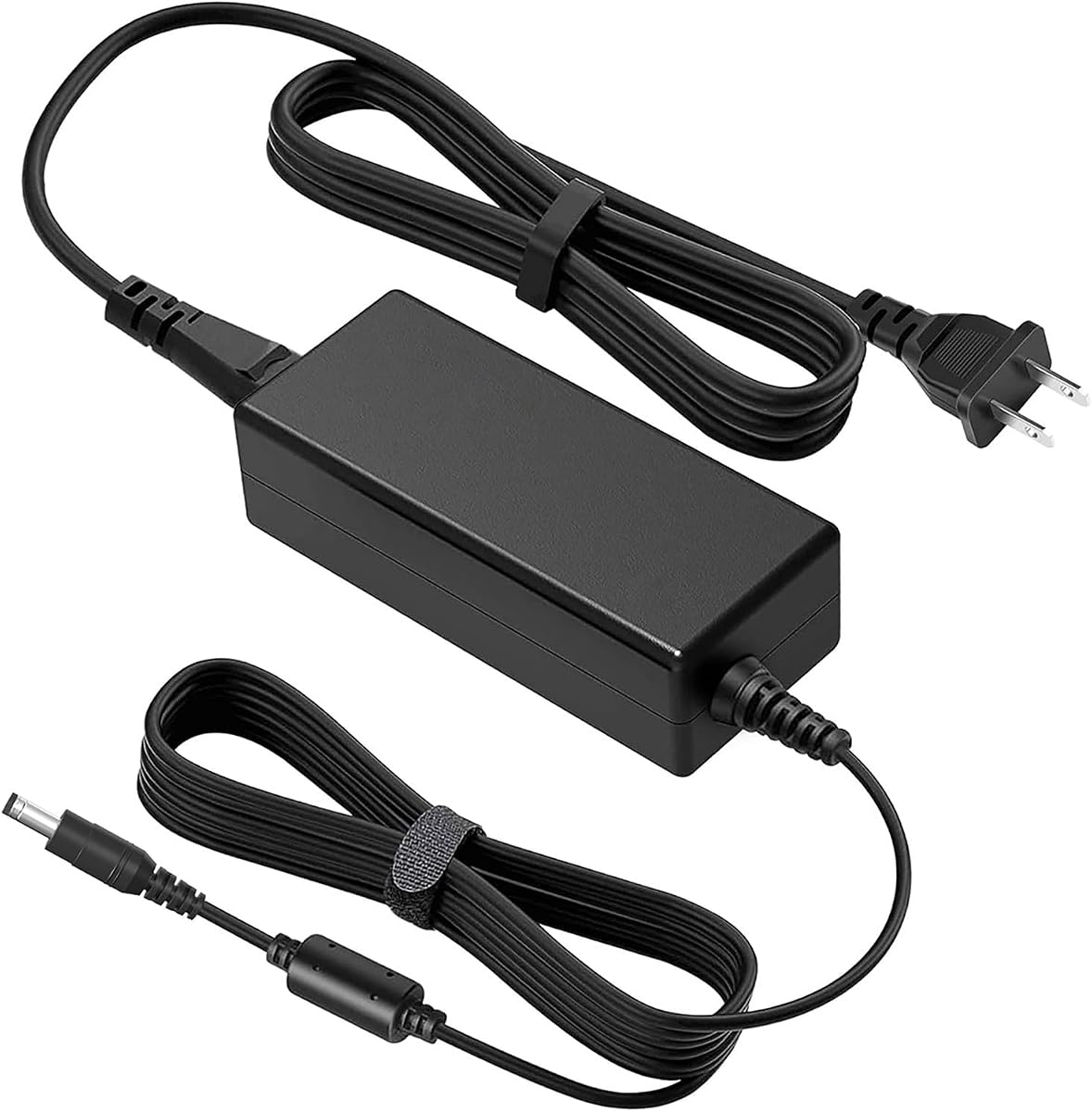
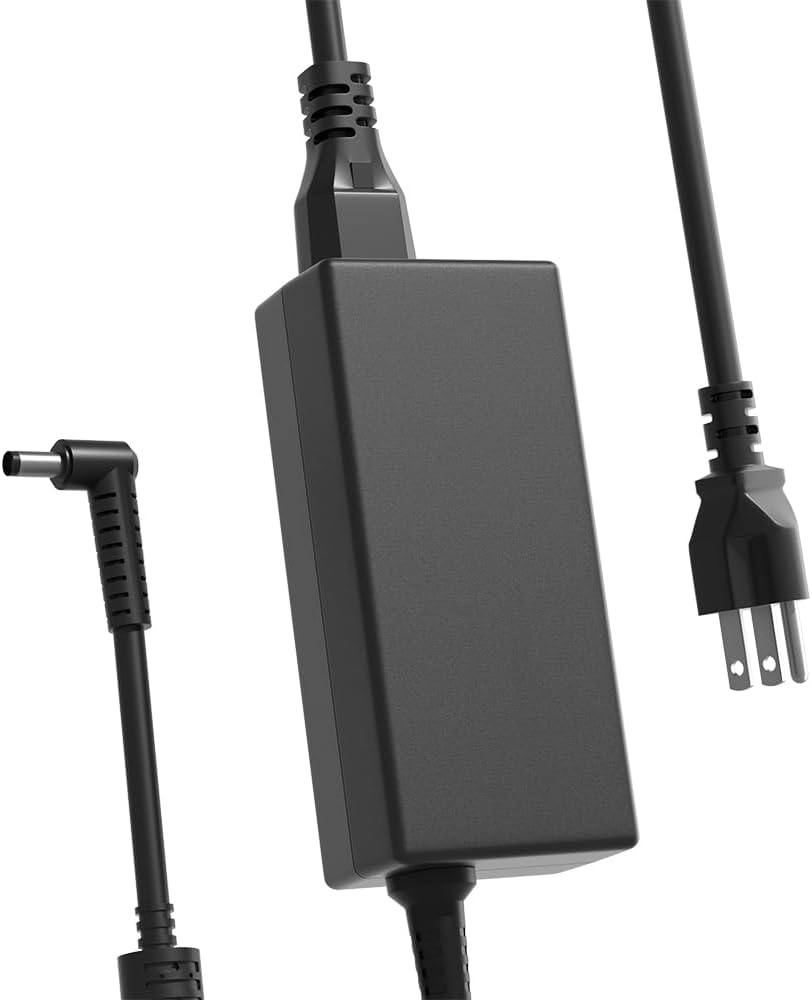
19V 65W Power Cord for Asus Monitor VS248H-P VG248QE VX238H MX279H ROG PG278Q – LJO-EEIH AC Adapter Charger Replacement for ASUS 27 24 23 22 Inch LCD LED Screen [5.5mm Tip] Supply
Top 10 Best ASUS Monitor Power Cord Replacement in 2026 Compared
This side by side comparison helps you quickly identify the right power adapter for your specific ASUS monitor model. Each entry lists key specifications and compatibility details to ensure you select a replacement that matches your device requirements.
ProductsSpecificationsEditor scorePrice
1
Best Budget
19V Charger Compatible with Asus Monitor Power Cord VG248QG VG278 VG245
19V 65W Power Cord for Asus Monitor VS248H-P VG248QE VX238H MX279H ROG PG278Q – LJO-EEIH AC Adapter Charger Replacement for ASUS 27 24 23 22 Inch LCD LED Screen [5.5mm Tip] Supply
Output 19V 65W
Connector 5.5×2.5mm
Fits VS VG series
Fits ROG and MX
This power adapter is a top choice for replacing lost or broken bricks. It delivers 65W at 19V and features a standard 5.5×2.5mm tip. Users rate it highly for restoring power to screens instantly without flicker.
Pros
65W output is robust
Fits many popular models
Runs cooler than 40W
Safety certified
Cons
Not for 12V models
Tip size check needed
We may earn a commission when you buy through this link, at no additional cost to you.
Its main strength is versatility across common lines. It fits the VG series for gaming and MX series for work. The higher wattage allows it to run cooler because it is not maxed out during use.
One trade-off is the fixed tip size. You must ensure your monitor needs 19V and a 5.5mm port. Some newer slim models use a 4.0mm tip which will not fit this adapter.
Buyers looking for a reliable fix should verify their port first. This adapter restores power to your screen instantly. It is a solid choice for most standard models.
Fits US Best-Selling Models
Perfectly compatible with the most popular Asus monitors in the USA including VS and VG series.
Heavy Duty 65W Performance
Capable of delivering up to 65W and runs cooler than standard adapters.
Standard 5ft (1.5m) 10 Amps 125 Volts Black 3 Prong AC Power Cord Cable for Electronics, TV, Computer, Printer, Radio, Monitor, Samsung, Dell, Vizio, LG, Asus, Laptop and More
Length 5ft or 1.5m
Heavy duty 18 AWG
Universal 3 prong plug
Fully molded design
This versatile cable is a great budget option for simple connectivity needs. It measures 5ft or 1.5m and delivers safe reliable power. The rating of 4.7 shows many users appreciate its durability.
Pros
Very affordable price
Reaches gear easily
Molded for durability
Universal 3 prong plug
Cons
Basic cable type only
No voltage regulation
We may earn a commission when you buy through this link, at no additional cost to you.
It features a fully molded design that provides maximum durability. It is useful for replacing worn out cords on devices with a 3 pin power connection. It works with your PC monitor TV or printer.
The trade-off is that it is a standard cord. It does not include voltage regulation or conversion for devices with external bricks. It works with your PC monitor TV or printer.
If you need a simple connection cable this choice works well. It replaces lost or worn-out power cords with a universal design.
Sturdy And Flexible
Features a fully molded design that provides maximum durability and long life.
Durability
Heavy-duty 18 AWG gauge cord is fully molded for maximum durability.
19V Charger Compatible with Asus Monitor Power Cord VG248QG VG278 VG245
Output 19V 90W
Connector 5×2.5mm
Covers 22 to 27 inch
Fits VG248QG
This charger is a premium solution for high wattage needs. It delivers 90W at 19V and features a 5×2.5mm connector. The high rating of 4.8 shows strong satisfaction with its performance.
Pros
90W high wattage output
Covers many model ranges
Stable voltage regulation
Fits VG248QG
Cons
More expensive than basic
Check connector size
We may earn a commission when you buy through this link, at no additional cost to you.
It is compatible with a wide range of models. It works with VG248QG VG278 VG245 and many others. The 19V Monitor Charger is designed to ensure stable power for these screens.
The higher wattage provides headroom for demanding displays. It ensures the monitor has enough power at all times. It is a reliable choice for larger setups.
Users seeking a robust replacement should consider this option. It is compatible with a wide range of models including 27 inch options.
DC 19V Monitor AC Adapter
Output is 19V 2.1A ~ 4.74A 90W with 5×2.5mm connector.
Wide Compatibility
Compatible with Asus 22'' 23'' 24'' and 27'' LCD LED monitors.
HHZ 65W 5.5 * 2.5mm Tip Monitor Charger Compatible with Asus 24'' 23'' 22''
Output 19V 65W
Connector 5.5×2.5mm
Protection circuitry built in
Fits ROG and MX
This power adapter offers solid performance for common models. It delivers 65W at 19V and uses a 5.5×2.5mm round plug. Users rate it high for its compatibility with VS and VG monitors.
Pros
65W output capacity
Industrial safety features
Fits many series
Fits VG series
Cons
Check port size first
Not for 12V
We may earn a commission when you buy through this link, at no additional cost to you.
It features built-in protection circuitry for safety. This prevents short circuits and over-voltage. It is compatible with Asus part numbers for easier matching.
The adapter runs stable under load. It provides steady flicker-free current for high-refresh-rate gaming setups. It is designed for daily use.
Anyone looking for a dependable replacement should consider this adapter. It is compatible with Asus part numbers and fits many series.
19V 65W Output
Output is DC 19V 3.42A 65W Max with 5.5×2.5mm connector.
Compatible With ROG
This adapter is compatible with flagship ROG Swift gaming monitors.
DC 19V Power Cord for ASUS Monitor, for Asus 32'' 27'' 24'' 23'' 22'' LED LCD Monitor
Output 19V 65W
Smart chip protection
Covers 32 inch models
Compatible with many
This power supply adapts to many large and small screens. It offers 65W at 19V and includes smart chip protection. It is designed to ensure stable operation at all times.
Pros
Fits 32 inch
High-efficiency smart chip
6-layer protection
Fits many models
Cons
Mixed user reviews
Check port size
We may earn a commission when you buy through this link, at no additional cost to you.
It covers models up to 32 inches. The chip delivers precise AC to DC conversion. It ensures your monitor runs smoothly even under high brightness.
The safety features help prevent common issues. It provides 6-layer protection including overcurrent and surge protection. This ensures stable power delivery.
Users with large screens will find this useful. It is designed to ensure stable operation at all times.
Specification
DC Output 19V compatible with many amperages and 65W max power.
Stable Power Output
Equipped with a high-efficiency smart chip for precise AC to DC conversion.
65W Power Supply Adapter Compatible with Asus 22'' 23'' 24'' 27'' Tuf Gaming Monitor
Output 19V 65W
Connector 5.5×2.5mm
Fits Tuf Gaming
Fits ROG
This power supply adapter is a robust replacement. It delivers 65W at 19V with a 5.5×2.5mm connector. It is designed to work with popular gaming series.
Pros
Fits Tuf Gaming
65W performance
Wide model range
Stable output
Cons
Connector size check
No USB-C
We may earn a commission when you buy through this link, at no additional cost to you.
It fits Tuf Gaming and ROG Swift models. The adapter handles input from 100 to 240V AC globally. It provides stable power for high refresh rates.
The wide compatibility is a key benefit. It works with many part numbers for easy matching. It is a reliable choice for gamers.
Users needing a fit for gaming series should consider this adapter. It provides stable power for high refresh rates.
Specifications
Output 19V 3.42A 65W and Connector Size 5.5 x 2.5mm.
Compatible With Tuf
Compatible with Asus 22'' 23'' 24'' 27'' Tuf Gaming Monitor.
19V Power Supply for Asus 22'' 23'' 24'' 25'' 27'' Tuf Gaming Monitor
Output 19V 65W
Connector 5.5×2.5mm
Fits Tuf Gaming
Fits ROG
This power supply is designed for reliable replacement. It delivers 65W at 19V and fits many sizes. Users rate it for providing consistent power to monitors.
Pros
Fits Tuf Gaming
65W output
Input 100-240V
Fits ROG
Cons
Port size verification
Basic design
We may earn a commission when you buy through this link, at no additional cost to you.
It fits Tuf Gaming and ROG Swift monitors. The adapter handles input from 100 to 240V AC. It ensures your monitor runs smoothly under load.
The trade-off is a basic design. It focuses on stable power without extra features. It is a reliable choice for gamers.
Users needing a fit for gaming series should consider this adapter. It ensures your monitor runs smoothly under load.
Power Specifications
Input AC 100-240V and Output Max DC 19V 3.42A 65W.
Wide Compatibility
Compatible with Asus 22'' 23'' 24'' 27'' Tuf Gaming Monitor.
We may earn a commission when you buy through this link, at no additional cost to you.
Buying Guide – How to Choose the Best ASUS Monitor Power Cord Replacement
Selecting the right power adapter requires matching voltage and connector size to your screen. This guide covers the main factors to consider for a safe and functional purchase.
Output Voltage
Ensure the replacement adapter outputs exactly 19V to match your original power supply. Using a different voltage can damage the internal circuits of the monitor.
Always check the label on the back of your monitor for the required voltage before purchasing.
Connector Size
The most common size is 5.5mm x 2.5mm but some models use a smaller 4.0mm tip. Measuring the port ensures you get a physical fit.
Use a caliper or check the adapter label to confirm the tip dimensions match your device.
Wattage Capacity
Choose an adapter with wattage equal to or higher than the original. Higher capacity units often run cooler because they do not operate at maximum load.
A 65W or 90W adapter can safely power a monitor rated for lower wattage.
Model Compatibility
Verify that the adapter supports your specific series such as VG MX or ROG. Listings often include full model numbers to help you match your unit.
Cross-referencing part numbers helps avoid buying an incompatible replacement.
Safety Certifications
Look for CE FCC or RoHS marks on the packaging or product page. These certifications indicate the adapter has passed basic safety tests for electrical safety.
Safety marks help reduce risks of overheating or electrical shock.
Cable Length
Measure the distance from the outlet to your monitor to choose the right cord length. Cables range from 5ft to 8ft and longer lengths add flexibility.
Select a length that reaches without excess slack or tension.
Build Quality
Check for descriptions of flame-retardant materials or metal shielding. Robust construction helps the adapter withstand daily use and heat.
Better build quality can extend the lifespan of the power supply.
How to Use and Care for Your ASUS Monitor Power Cord Replacement
Before connecting the new adapter check the label on your monitor to confirm it requires 19V and a standard round tip plug. Using the wrong voltage can cause permanent damage to the screen.
Plug the adapter into a stable wall outlet and connect the DC end to the monitor port. Ensure the connection is snug and secure to avoid intermittent power loss during use.
Periodically inspect the cord for any signs of wear or damage near the connector head. Keep the adapter in a cool and dry place to ensure it operates safely and efficiently.
Frequently Asked Questions
Will a higher wattage adapter damage my monitor?
No a higher wattage adapter is safe because the monitor only draws the power it needs. For example a 65W adapter works fine for a monitor that uses 45W.
Do these adapters support USB-C monitors?
No most of these adapters are designed for 5.5mm round plugs. USB-C monitors use a different connection method and need a specific USB-C power supply.
Why does the adapter feel warm during use?
It is normal for adapters to generate heat as they convert AC to DC power. As long as it is not too hot to touch it is working correctly.
How do I know the correct connector size?
Check the label on the bottom of your adapter which usually lists the tip dimensions. Common sizes are 5.5mm x 2.5mm or 5.5mm x 2.1mm.
Can I use these adapters outdoors or in humid areas?
It is best to keep these devices indoors in dry environments. Humidity can damage internal components and reduce the safety of the power supply.
What happens if the tip is too small for the port?
If the tip is too small the connection may be loose or unstable. This can lead to flickering power loss or potential damage to the port.
Final Thoughts on Choosing the Best ASUS Monitor Power Cord Replacement
This guide highlighted ten reliable options ranging from budget cables to robust 90W adapters. Each pick offers solid compatibility and safety features to restore power to your screen.
Prioritize matching voltage and tip size to ensure a proper fit. Higher wattage adapters often run cooler and last longer in daily use.
Prices and availability change frequently so check current listings before buying. Verify your monitor requirements to pick the right replacement.